


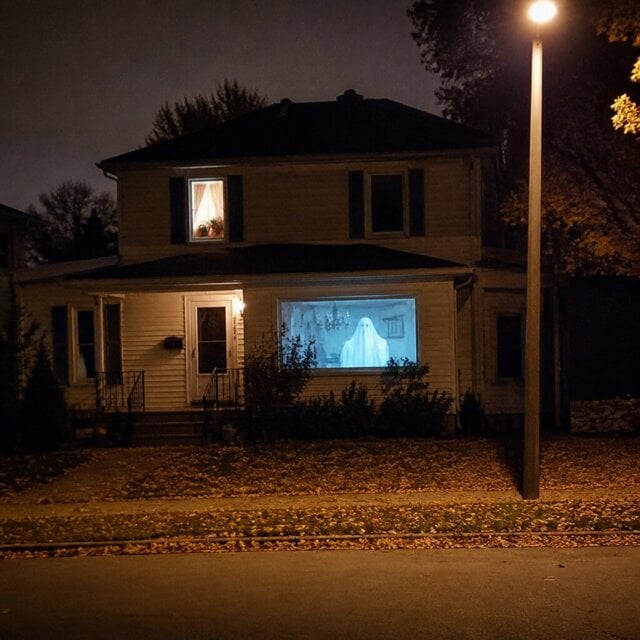
FEATURED CUSTOMER PHOTO
★★★★★
“The effect is incredibly realistic. Our neighbors stopped to watch at night.”
Linda
Customer Review
30-DAY MONEY BACK GUARANTEE
100,000+ HAPPY CUSTOMERS
24/7 Customer Support
30-DAY MONEY BACK GUARANTEE
100,000+ HAPPY CUSTOMERS
24/7 Customer Support
30-DAY MONEY BACK GUARANTEE
100,000+ HAPPY CUSTOMERS
24/7 Customer Support
30-DAY MONEY BACK GUARANTEE
100,000+ HAPPY CUSTOMERS
24/7 Customer Support
30-DAY MONEY BACK GUARANTEE
100,000+ HAPPY CUSTOMERS
24/7 Customer Support
30-DAY MONEY BACK GUARANTEE
100,000+ HAPPY CUSTOMERS
24/7 Customer Support
30-DAY MONEY BACK GUARANTEE
100,000+ HAPPY CUSTOMERS
24/7 Customer Support
30-DAY MONEY BACK GUARANTEE
100,000+ HAPPY CUSTOMERS
24/7 Customer Support
30-DAY MONEY BACK GUARANTEE
100,000+ HAPPY CUSTOMERS
24/7 Customer Support
30-DAY MONEY BACK GUARANTEE
100,000+ HAPPY CUSTOMERS
24/7 Customer Support
30-DAY MONEY BACK GUARANTEE
100,000+ HAPPY CUSTOMERS
24/7 Customer Support
30-DAY MONEY BACK GUARANTEE
100,000+ HAPPY CUSTOMERS
24/7 Customer Support
¿Tienes una cuenta?
Inicia sesión para finalizar tus compras con mayor rapidez.

Protect your order from damage,loss,or theft during shipping.


No se pudo cargar la disponibilidad de retiro
-
Ordered
- - -
Order Ready
- - -
Delivered

Turn an ordinary window into an animated Halloween display with eerie moving scenes that come alive after dark — without filling your yard with bulky decorations.
Project moving Halloween imagery from inside your home. After dark, an ordinary window becomes an animated Halloween focal point visible from outside.
Moving scenes create more atmosphere than ordinary static decorations.
Turn an unused window into the focal point of your Halloween display.
Lower surrounding light helps the scene appear stronger and clearer.
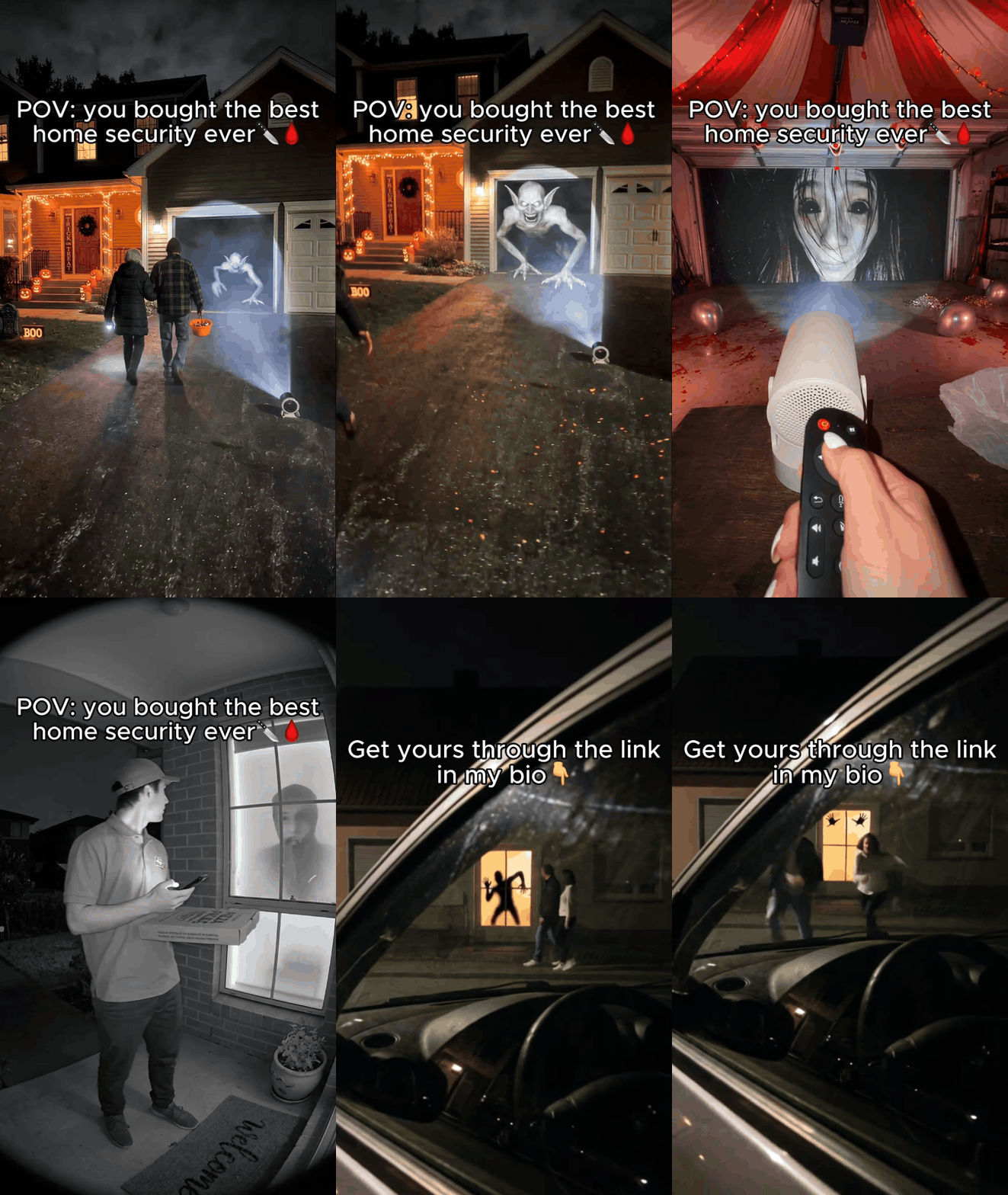
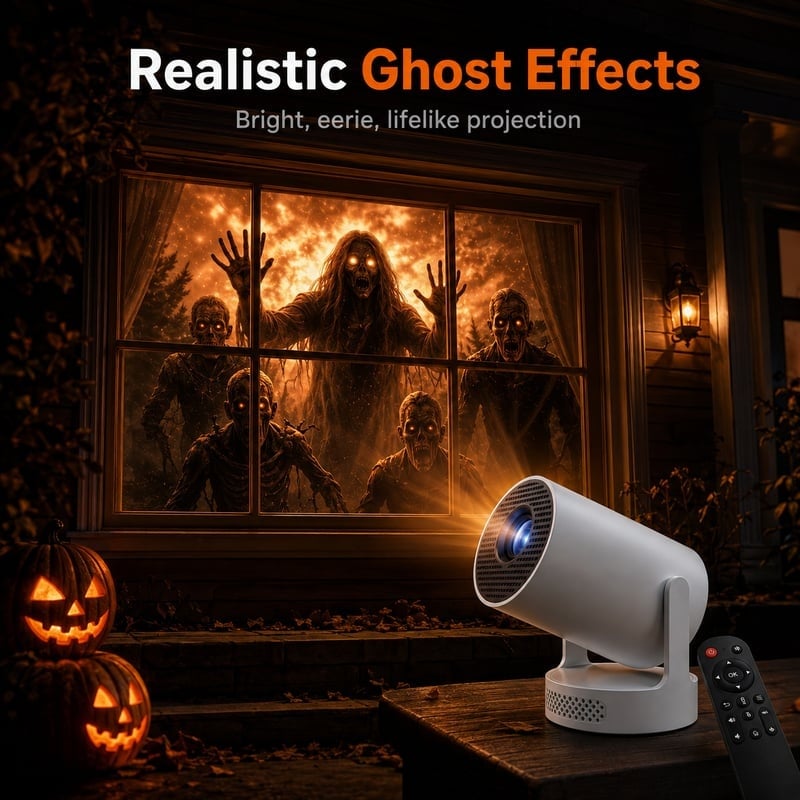
Set it up indoors, aim it toward your window and let the Halloween scene take over.
Set it indoors and aim it toward the window.
Hang a light-colored sheet or fabric behind the glass for a clearer image.
Dim the lights, choose a scene and adjust the angle.
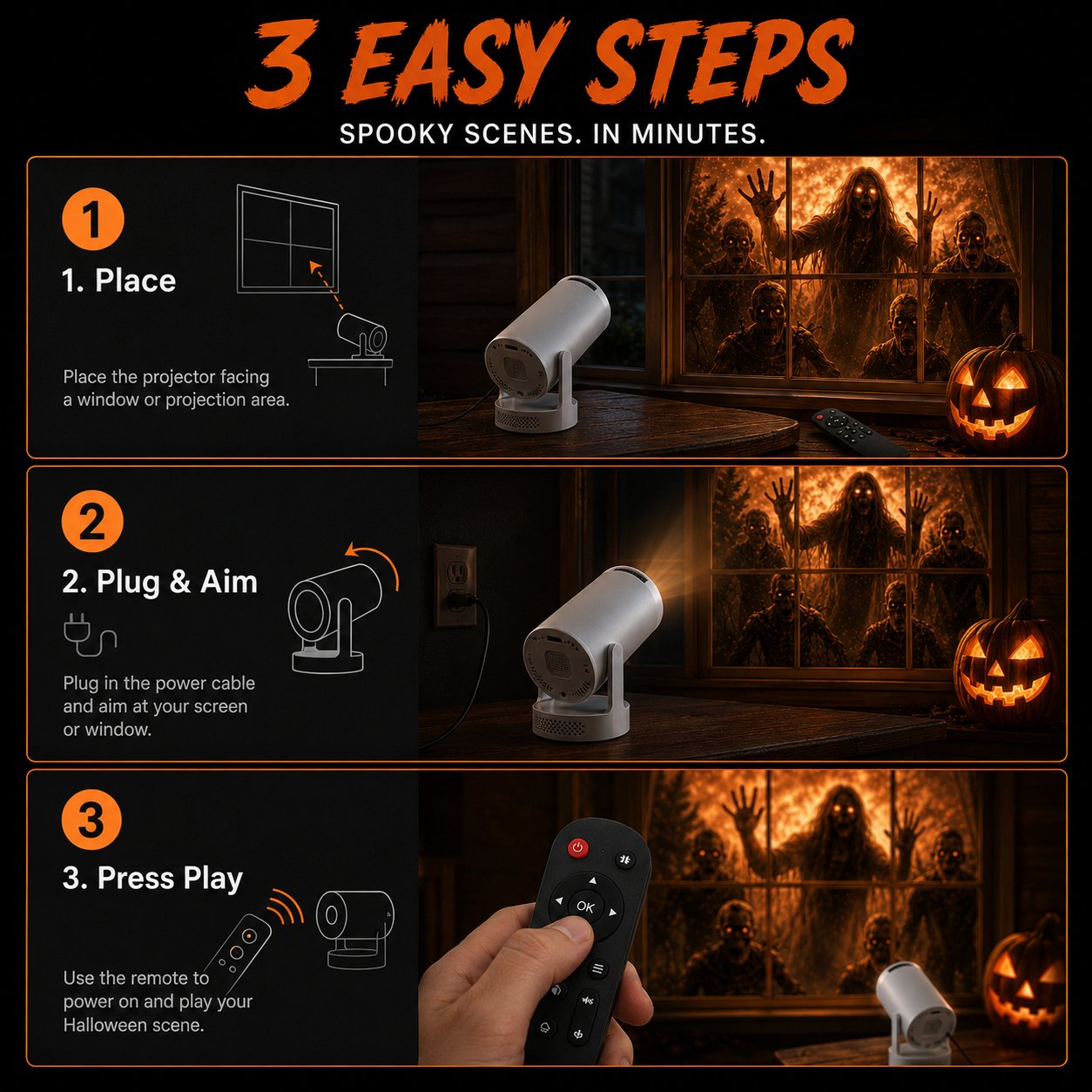
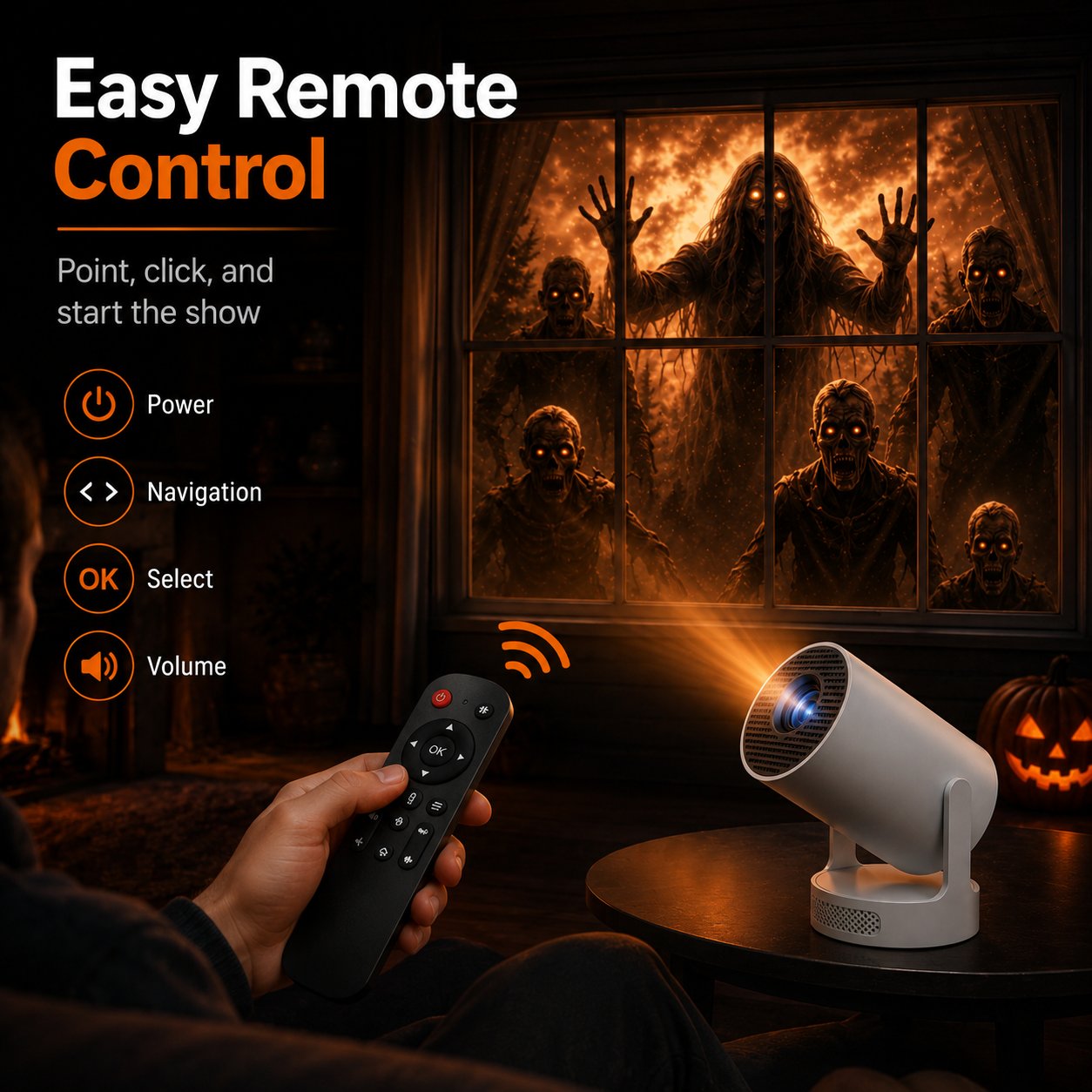
Use the remote to adjust the display without repeatedly changing the setup.
From early October decorating to Halloween night, use it whenever your home needs a darker atmosphere.
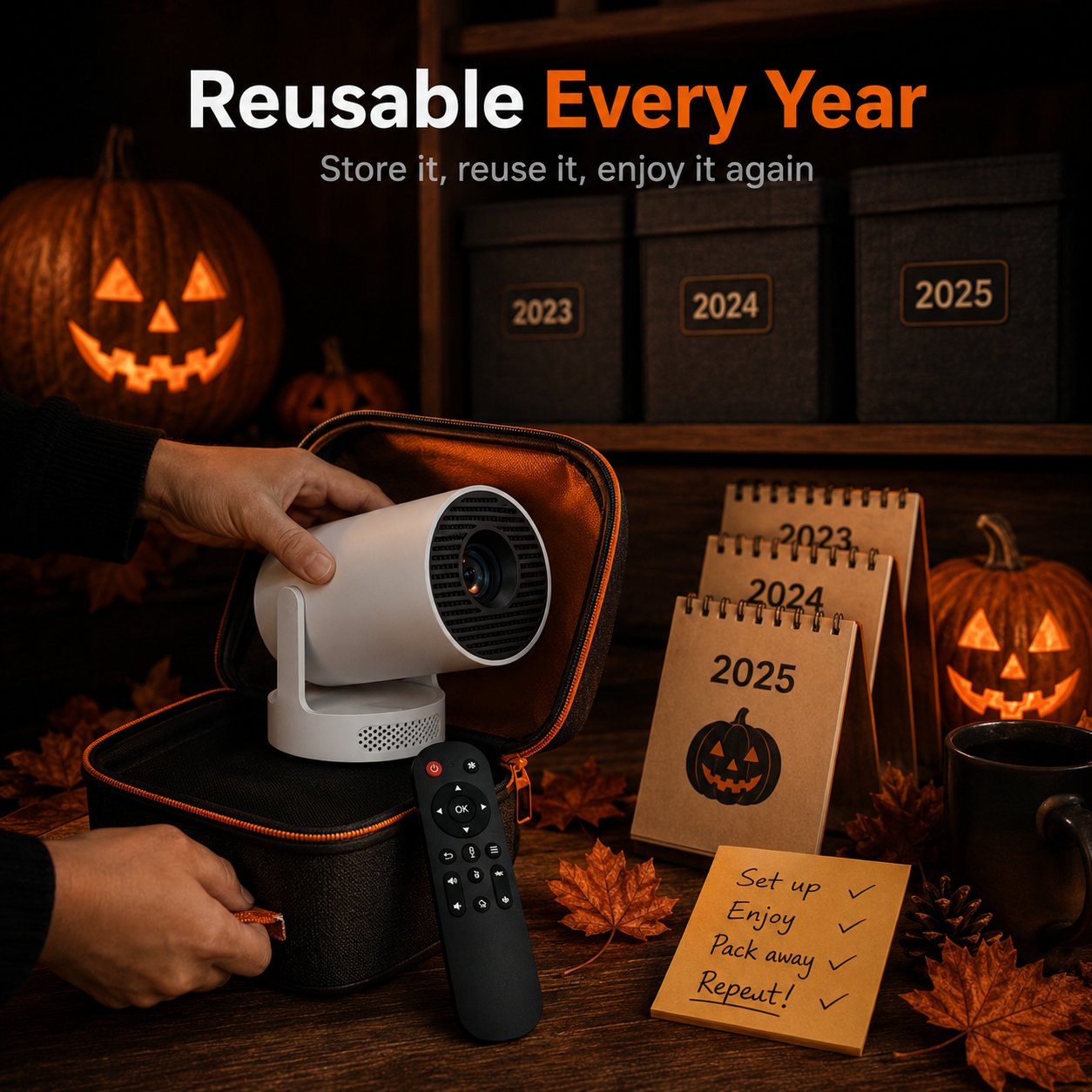
Pack it away after Halloween and bring the display back next season.
Takes up less space than bulky outdoor props.
Bring it back season after season.
Keep the projector protected inside your home.
One projector keeps things simple. Add more if you want several windows running at once.
Customer-shared Halloween window setups and experiences.
“The effect is incredibly realistic. Our neighbors stopped to watch at night.”
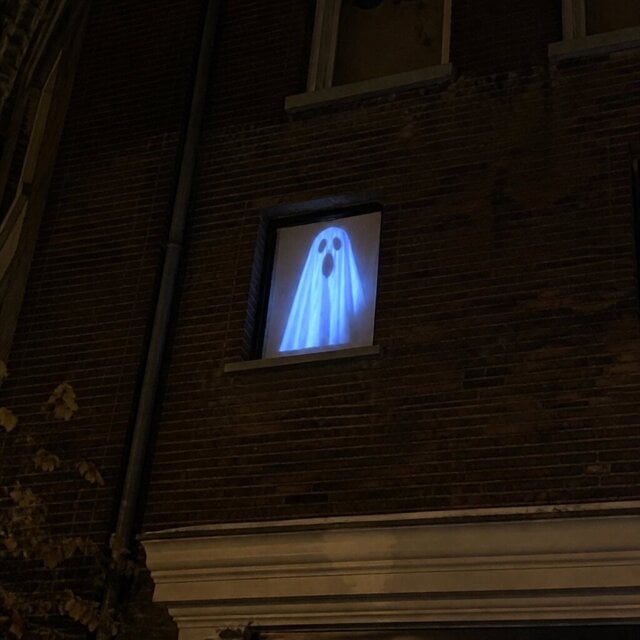
“Bought it on a whim and loved it. The projection looks surprisingly real after dark.”
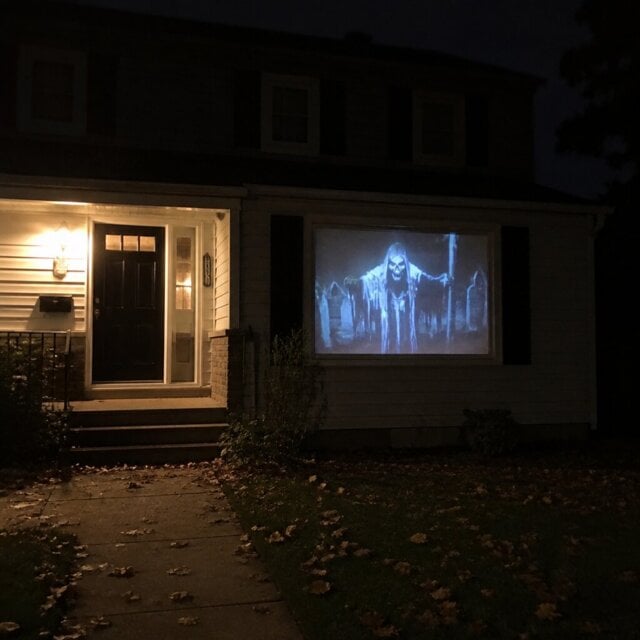
“Set up in minutes. Trick-or-treaters actually stopped before walking up.”
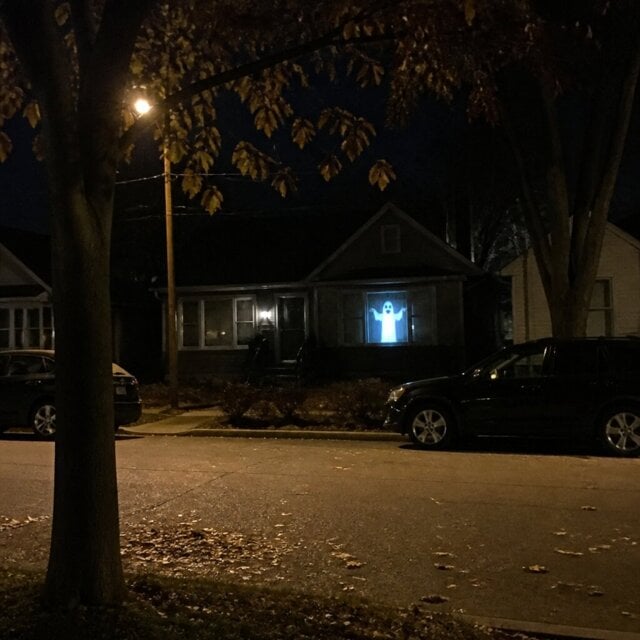
“Bright, clear and easy to use. The remote makes everything simple.”
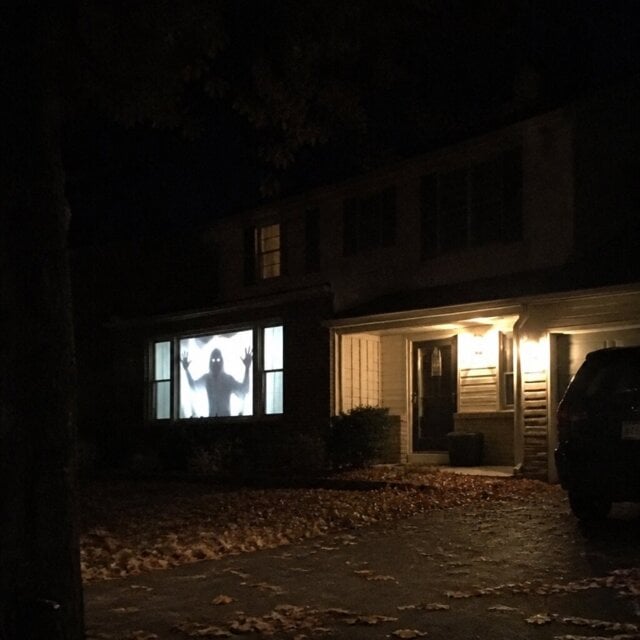
“I worried it might look cheap, but the image quality was much better than expected.”
Turn an ordinary window into part of your Halloween display. Set it up, dim the lights and let the scene take over.
Projection appearance varies with window size, ambient light, projection distance, surface material and placement.


